AI imagery works for people, close-ups, lifestyle scenes and settings you could not afford to shoot. It is at its worst when it has to show your actual product accurately, because it invents details. The approach that holds up is a mix: real photography or 3D renders for the product, directed AI imagery for the world around it, all held to one moodboard.
Where does AI imagery work well?
AI earns its place where photography would be expensive, slow or impossible:
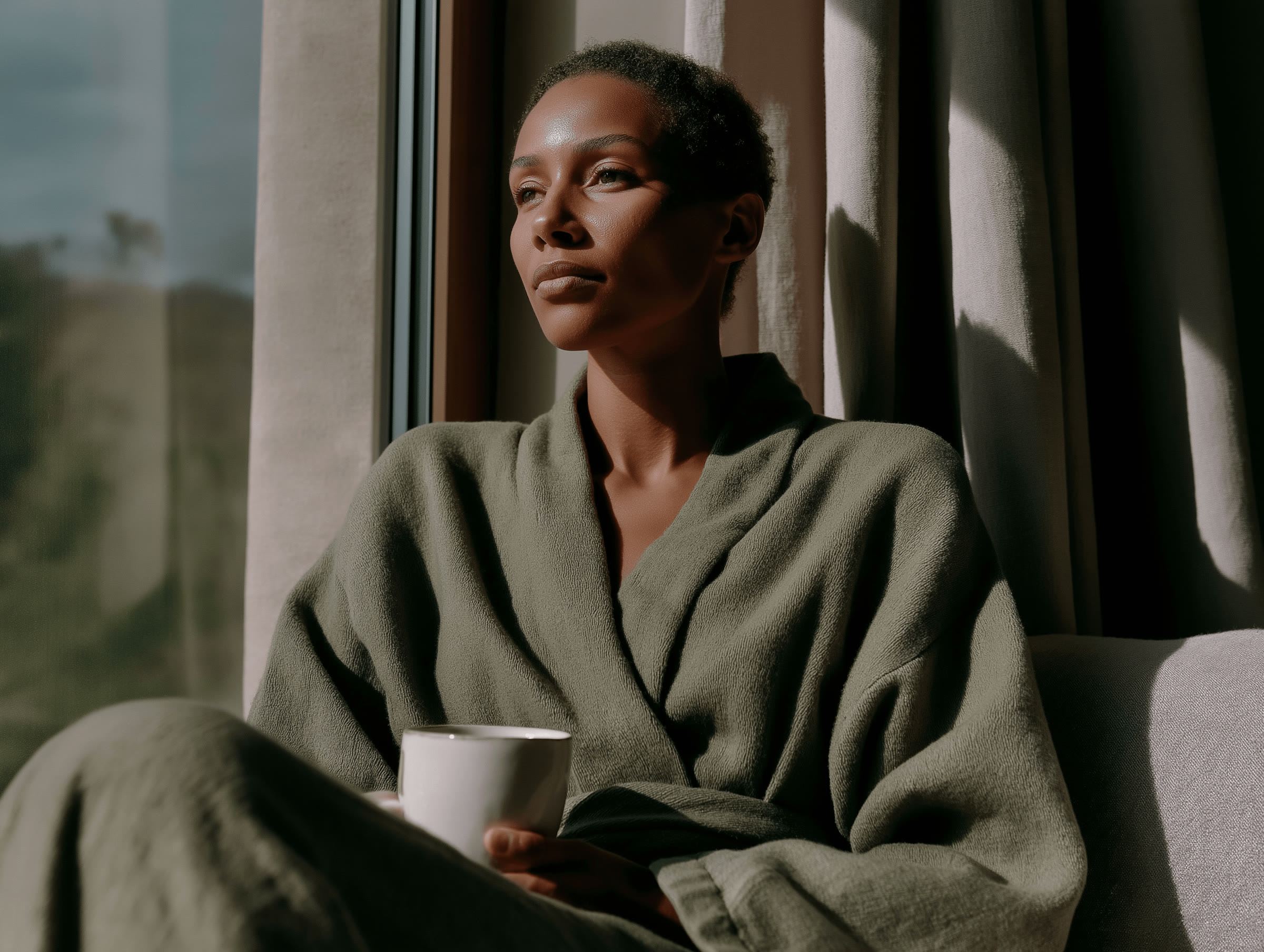
- People and close-ups. Portraits, skin, eyes and hands, directed to a brief and edited carefully. The Nuvita Lab library used them across the brand’s social channels.
- Lifestyle context. The morning routine, the kitchen, the walk, the moment your product belongs to.
- Texture and atmosphere. Skin, water, fabric, light through a window. The images that set a mood rather than show a thing.
- Settings you cannot get to. Seasons, locations and scenes that would need a crew and a budget.
- Volume. Enough variety to keep a social feed and a newsletter from repeating the same five photographs.
Where does it let you down?
It fills the gaps photography cannot cover economically, and it is at its worst when it is asked to do a job a real photograph should be doing. In practice that means:
- Your actual product. AI redraws labels, logos, proportions and details. A customer buys what they see, so the product itself needs photography or a render built from the real thing.
- Sameness. Left to its defaults, every tool drifts towards the same soft light and the same beige room. Undirected AI imagery makes a brand look like everyone else’s.
- Claims. An image that shows results your product cannot deliver is misleading, and labelling it as AI does not fix that.
Generated work looks generic when nobody decided what it should look like first.
How do you keep AI images on-brand?
The tool matters less than the decisions made before it is opened. Before generating anything, fix:
- A moodboard. One page that sets the visual range: palette, light, crop, texture and the kind of people, if any.
- Rules. What is always true of your images, and what never appears. Written down, not remembered.
- A reject pile. Most of what gets generated should not be used. Curating hard is where the brand is protected.
- One library. The keepers edited, named and organised so the team can find the right image without starting again.
Then check the licence of the tool you use covers commercial work, and keep a note of which images were generated.
What does this look like on a real project?
Nuvita Lab is a wellness brand selling a premium NAD+ kit direct to consumers. Alongside the Shopify store, the brand needed a visual world deep enough to keep it consistent everywhere else.
The work started with creative direction and a single moodboard that fixed the visual range before any individual image was chosen. The library was then built three ways: AI-generated bespoke imagery, sourced high-quality stock, and AI-enhanced composites where neither route quite worked. Thirty final images made the cut, organised into a content library the team can use without thinking about it.
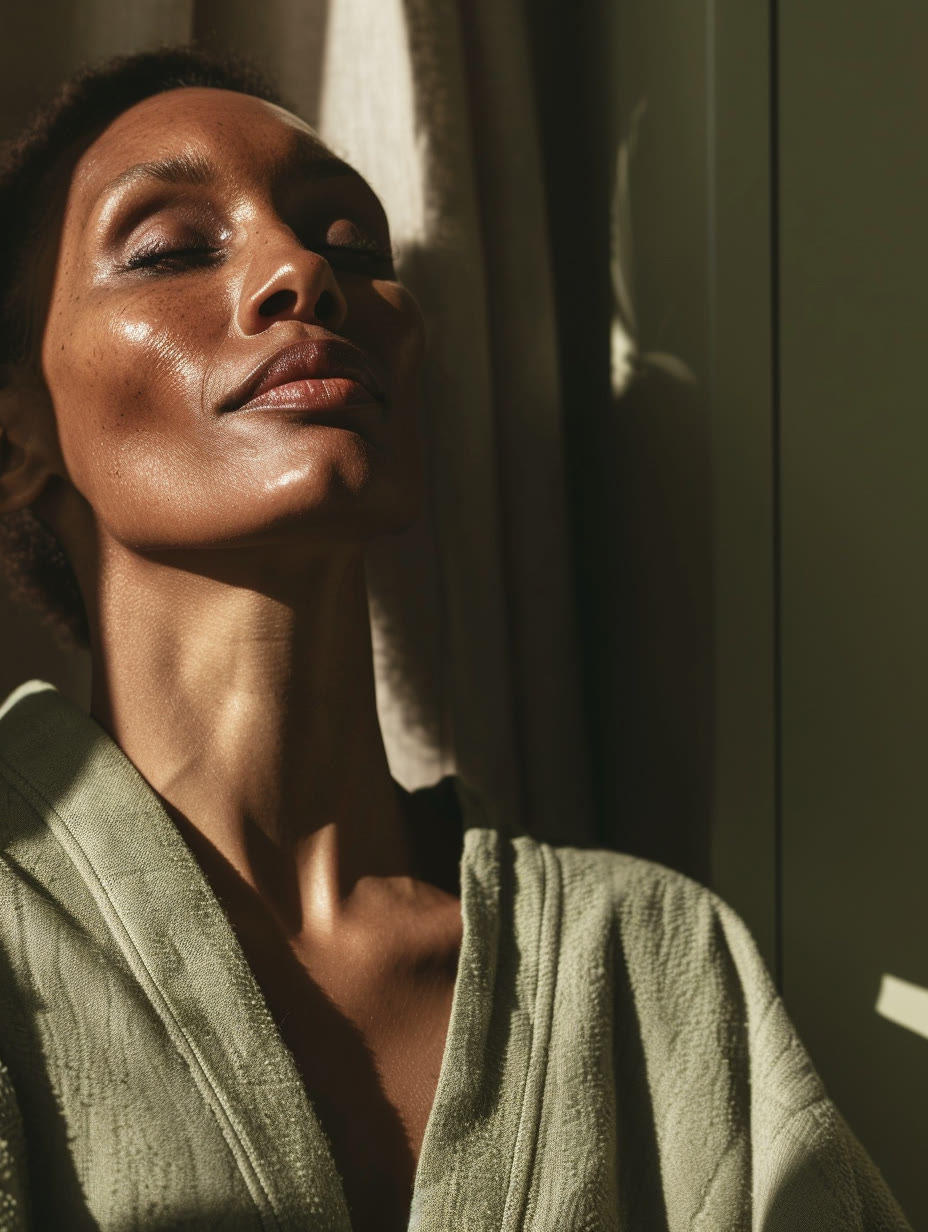
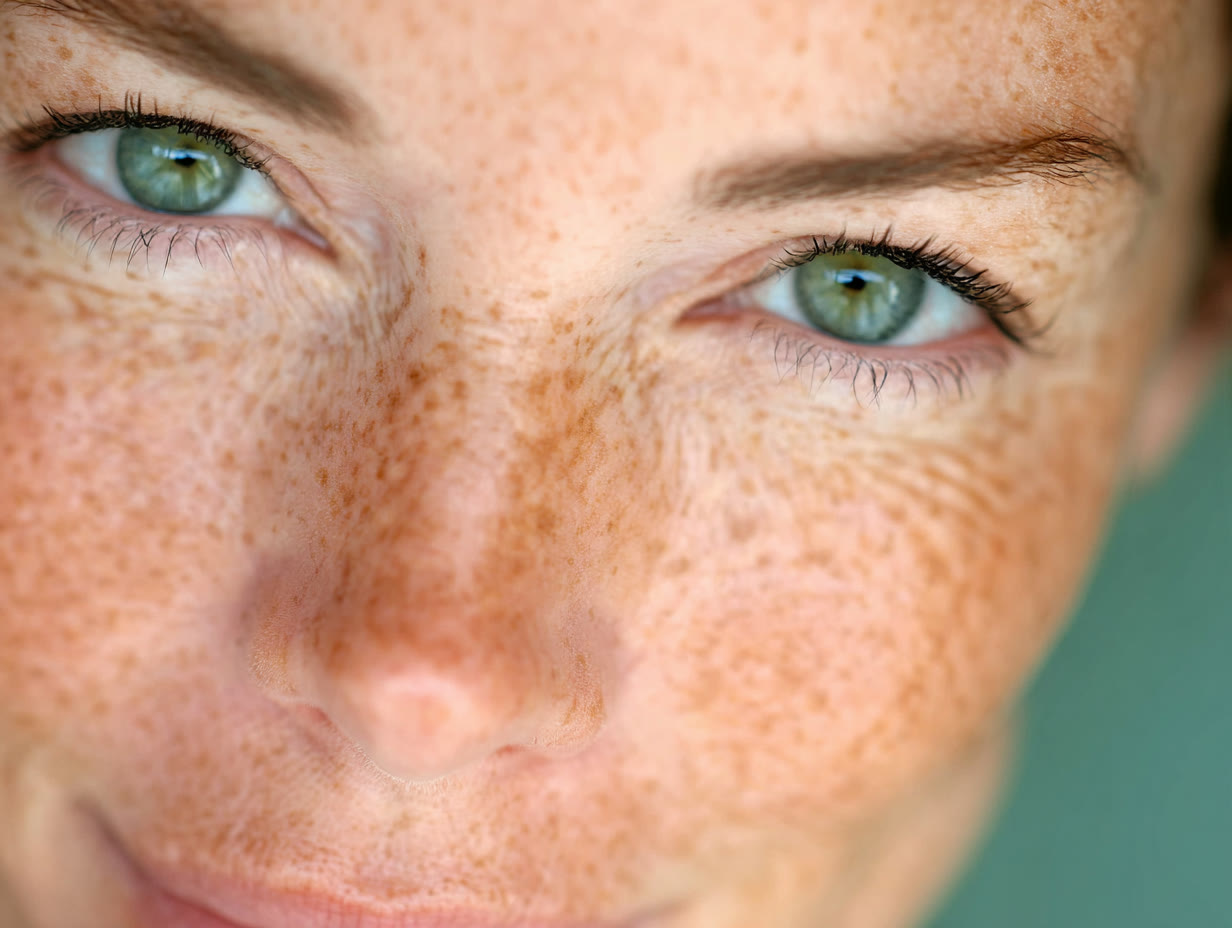
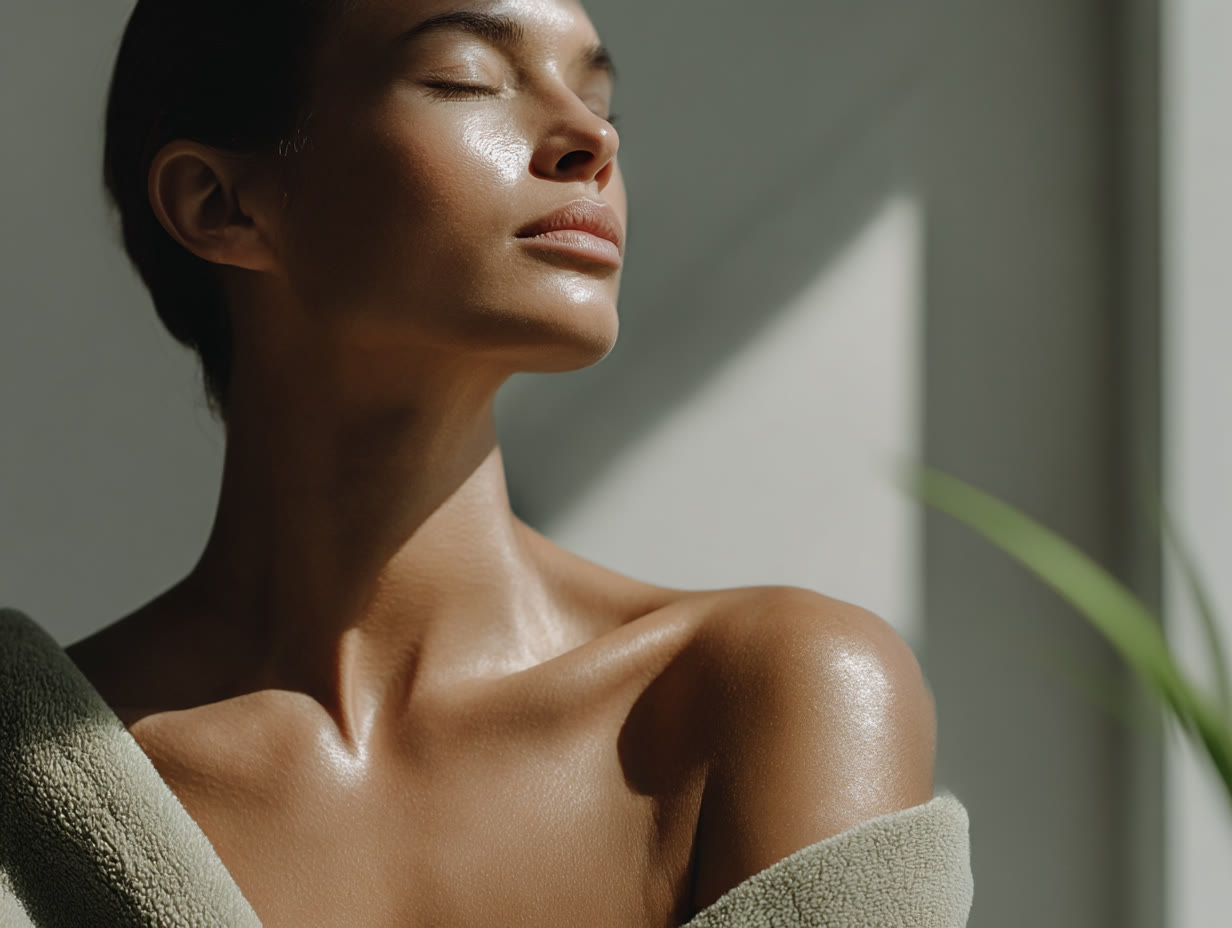
From the Nuvita Lab brand library, used across its site and social channels
The product had its own route. Product photography and 3D renders were made alongside the library, sharing the same palette and light, so the product shots and the lifestyle images read as one body of work.
So should you use AI, stock or a photographer?
| Route | Best for | Watch out for |
|---|---|---|
| Product photography | What the customer is actually buying | Cost per shot, and reshoots when the range changes |
| 3D renders | Hero product images, packaging, variants | Needs accurate artwork and dimensions to start from |
| Directed AI imagery | People, close-ups, mood, lifestyle, volume | Invented details, sameness, misleading claims |
| Stock | Filling specific gaps quickly | Other brands using the same images |
Most small brands need two or three of these, not one. The job is making them look like they came from the same place.
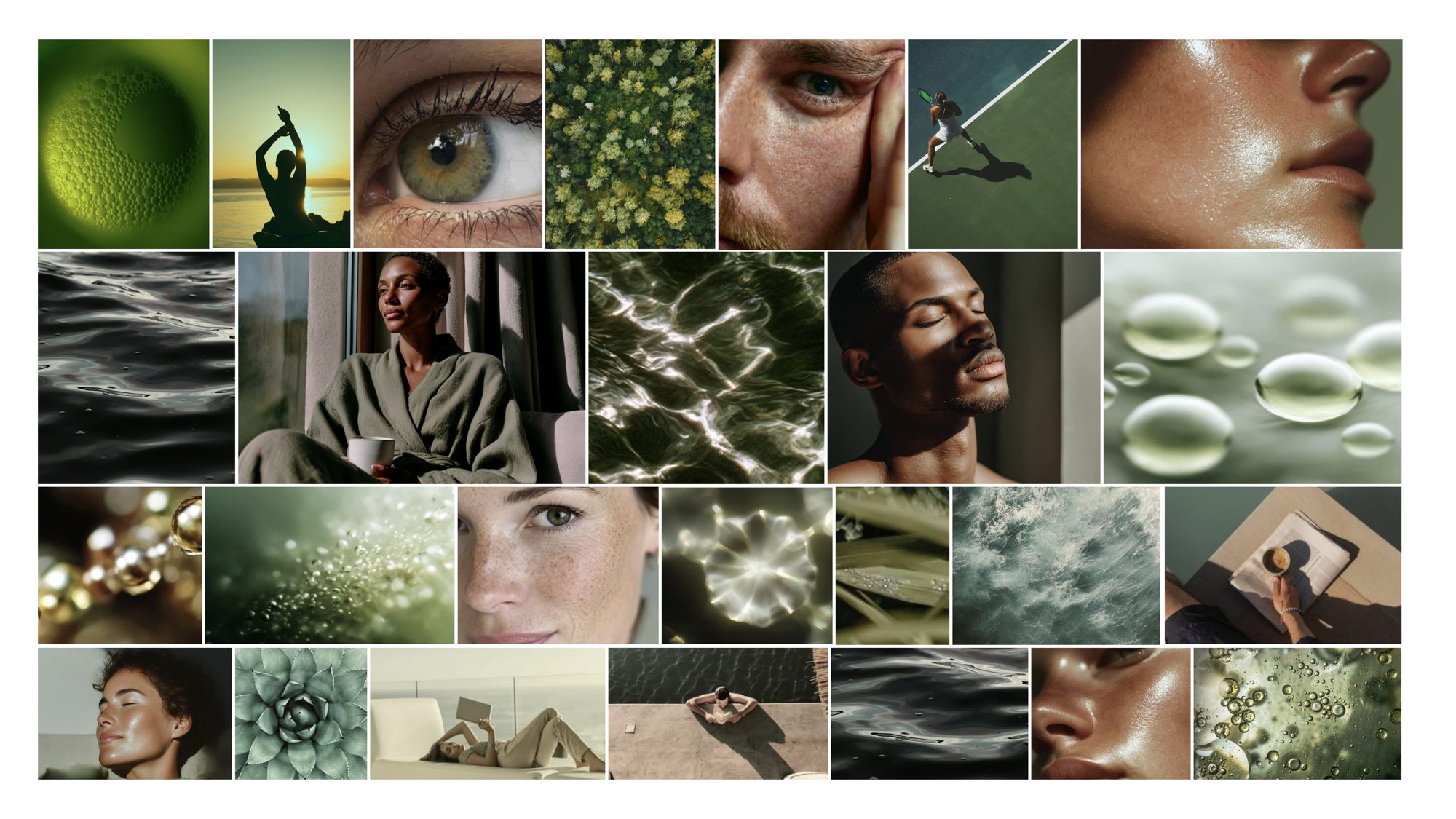 From the workNuvita LabA Shopify store, a curated brand image library of 30 images and a suite of 3D product renders.
Questions people also ask
Is AI imagery good enough for a Shopify store?
For lifestyle and editorial images, it can be, if it is directed well and edited hard. For the product images a customer relies on to decide what they are buying, use photography or renders made from the real product.
Will people know it is AI?
That depends on the direction it is given. Generated work looks generic when nobody decided what it should look like first. Directed well and edited carefully, it holds up in close-up, portraits included.
Do I have to tell customers an image is AI?
There is no blanket UK legal requirement to disclose AI in ads, but the advertising rules still apply. An image that misleads, such as one showing results a product does not deliver, breaks the rules whether or not you label it. See the ASA’s guidance on AI disclosure.
Can my team keep making images after the designer has gone?
That should be the aim. A system nobody else can operate is a dependency, not a system, so the direction and the rules need writing down in a form your team can use.
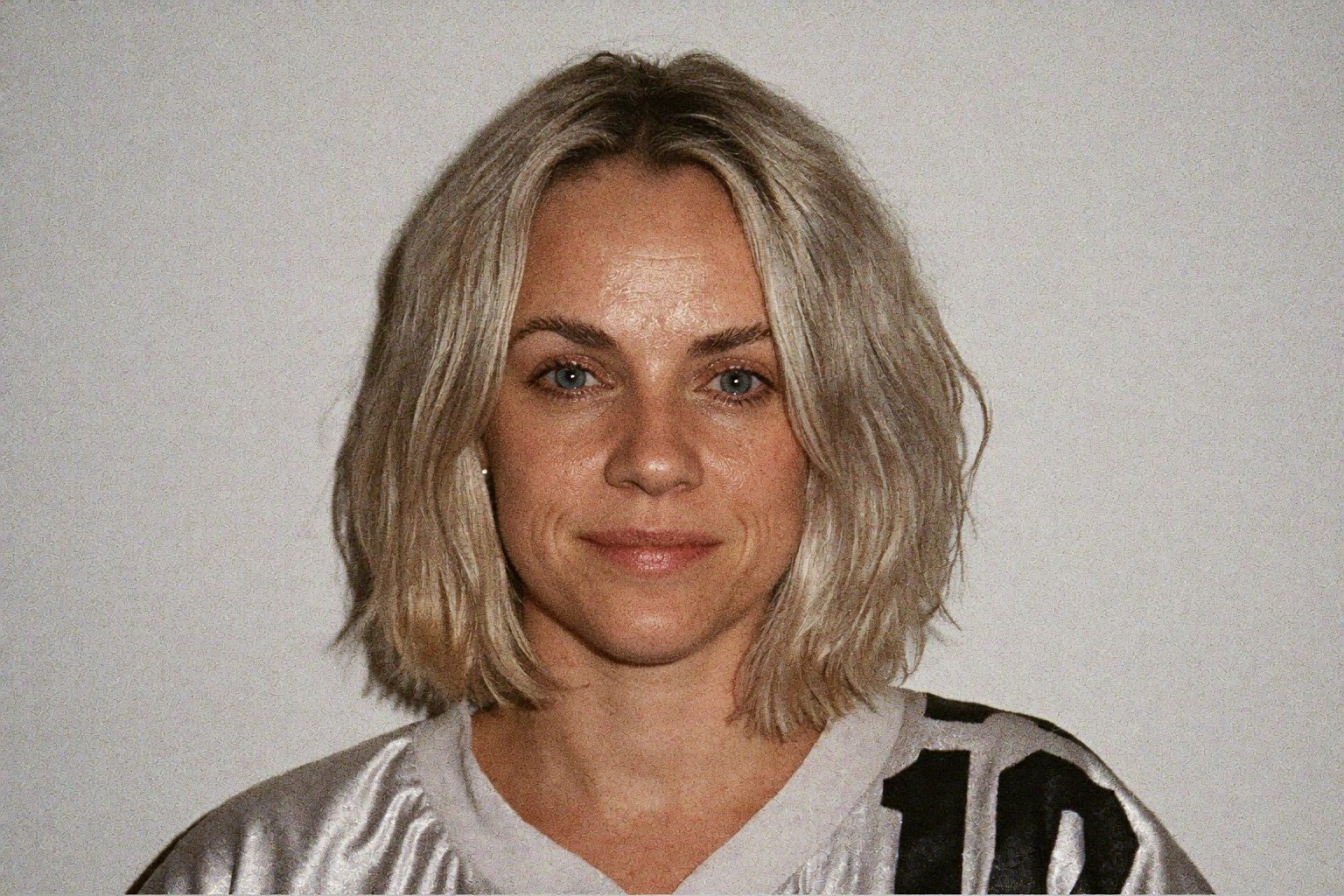
Sophie is an independent designer based in the UK and the founder of S Evans Design, working across brand, web and product for founders and brand teams. Her career work includes projects for Arsenal, DreamWorks, BBC, Sky, Channel 4, Barclays and the NHS, and she is a Squarespace Circle Gold partner. More about Sophie.