Yes. Changing text, swapping images, adding blog posts and products, and making new pages from an existing layout are all things an owner can do in Squarespace without a developer. Leave structural work to a designer: new layouts, site-wide styles and custom code. Above all, make sure you own the account and the domain from day one.
What can you change yourself?
On a well-built Squarespace site, the everyday jobs are all yours:
- Editing text, prices, opening hours and contact details
- Swapping photographs and adding new ones
- Writing blog posts and adding products
- Adding a new page by duplicating one that already exists
- Changing what appears in the navigation
None of that needs a developer, and none of it should need your designer either.
What is better left to a designer?
- New page layouts. A page type the site has never had before.
- Site-wide styles. Fonts, colours and spacing set for the whole site. One change here moves every page.
- Custom code. Anything added with code blocks or custom CSS.
- Structural changes. Reorganising the site, changing page addresses or merging sections, which can affect how the site is found in search.
Who should own the account and the domain?
You should. The domain and the Squarespace account should both be in your name and paid for by you, so you keep control of both. Your designer can do their work as a contributor.
If a designer built the site on their own account, ownership can be moved to you. Squarespace lets the owner transfer ownership to another contributor at any time, and the designer can stay on as a contributor if they are still working on the site.
A site you cannot edit is a dependency, not an asset.
What access should your designer and team have?
Squarespace has contributor roles, so people only get the access they need:
| Role | Can do | Suits |
|---|---|---|
| Administrator | Almost everything the owner can, except transfer ownership | Your designer while they work on the site |
| Website editor | Add and edit content on existing pages, but not add pages or change styles | A team member keeping content up to date |
| Store manager | Add products, manage orders and invoice customers | Whoever runs the shop day to day |
What should a proper handover include?
- The account and domain confirmed in your name
- A walkthrough of your own site, not a generic tutorial
- How to add a page, a post or a product without breaking the layout
- Image sizes and formats that suit the design
- A short written note of what is safe to change and what to ask about
Every Squarespace site I build is handed over with a walkthrough, so changing a sentence, adding a page or updating a price is something the owner can do themselves.
What if you are locked out of your own site?
Ask whoever built it to make you the owner. It takes a few minutes, and they can stay on as a contributor. If you cannot reach them, contact Squarespace support. And if the site needs rebuilding anyway, an existing account can often be redesigned in place, keeping the content that already works.
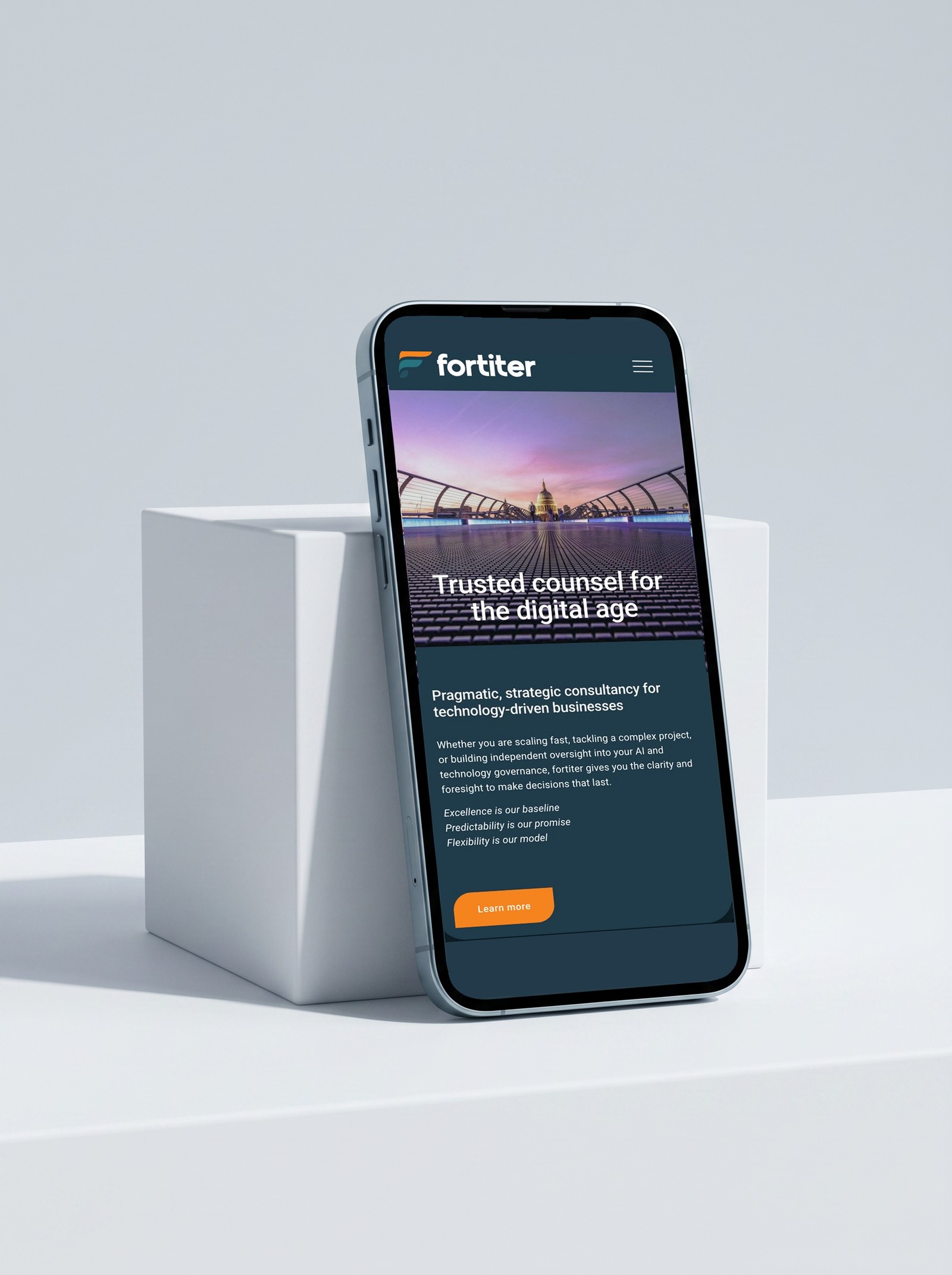 From the workFortiterHanded over with a walkthrough, so the founder can update a page, add a new piece of work or change a service without booking a developer.
Questions people also ask
Can I edit my Squarespace site on my phone?
For quick changes, yes. Squarespace has a mobile app for things like blog posts and products. Anything involving layout is easier on a computer.
Will I break the design if I edit it?
Not if it was built for you to edit. Layouts designed around your real content and styles set across the whole site mean that changing words and pictures keeps everything else in place.
Do I have to pay a designer every month?
No. Ordinary changes are yours to make. Ongoing support is available if you would rather hand it over, but it should be a choice, not a dependency.
Who pays for the domain?
You do, in your own name, so you keep control of both the domain and the site.

Sophie is an independent designer based in the UK and the founder of S Evans Design, working across brand, web and product for founders and brand teams. Her career work includes projects for Arsenal, DreamWorks, BBC, Sky, Channel 4, Barclays and the NHS, and she is a Squarespace Circle Gold partner. More about Sophie.